📎System - Page Viewing Options
This guide explains how to use the Page Viewing Options to customize how information appears on the website. It shows users how to adjust filters, sort items, and change what data is displayed so they can quickly find and manage the labels or records they need. By using these tools, users can make the page easier to navigate and tailor the view to fit their workflow.
Please note any changes to your View Options are user based and do not affect other users.
1. On the Labels Page - The Filter Options can be found on the right side next to your search bar.


2. Use the popup to select which labels to show from Tags, Templates, or Template Overrides.

3. Click "Update"

4. The Column Configuration menu can also be modified for your viewing pleasure.
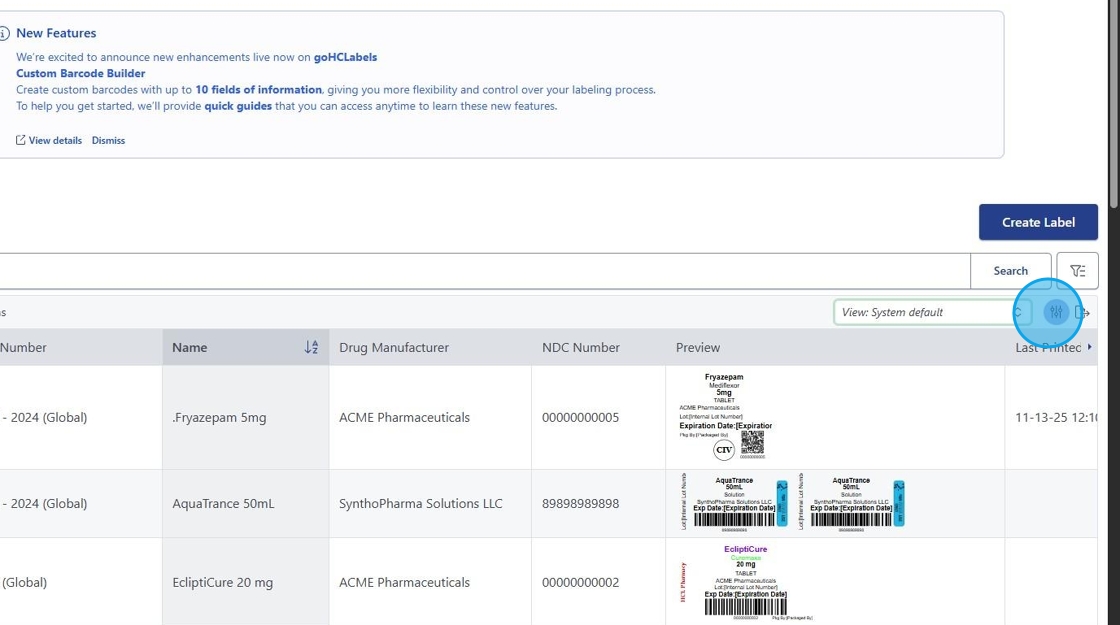
5. Simply select or deselect which columns you would like to see in view.


6. Additionally, after you've made your customizations. Using the View Panel drop down, you are able to SAVE or NAVIGATE to other views.
7. Make sure to "Save View" to access these changes again later.

8. The Print Log Section also has selections available to you.
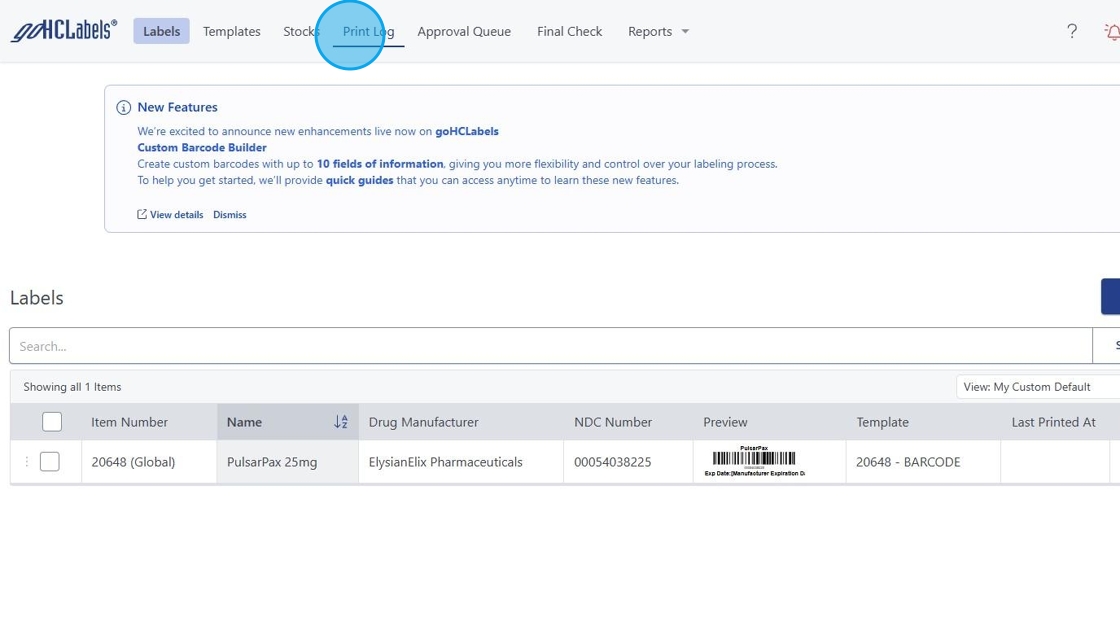
9. Accessing this feature is located to the right of the search bar.
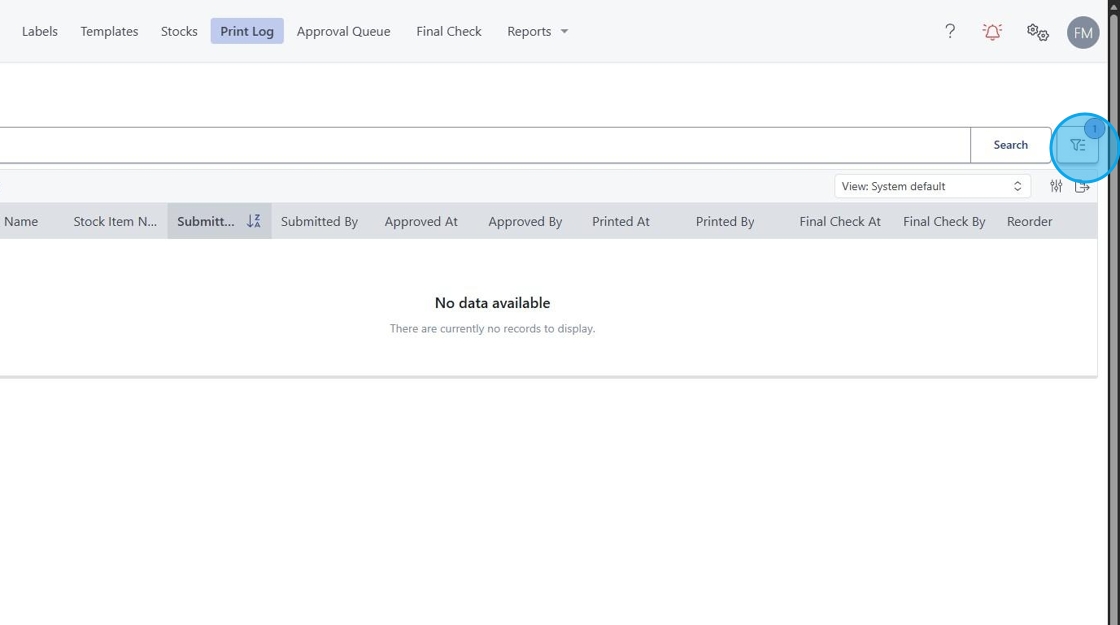
10. This may be used to switch between showing Unprinted Labels the default Labels set for Print Approval if enabled.