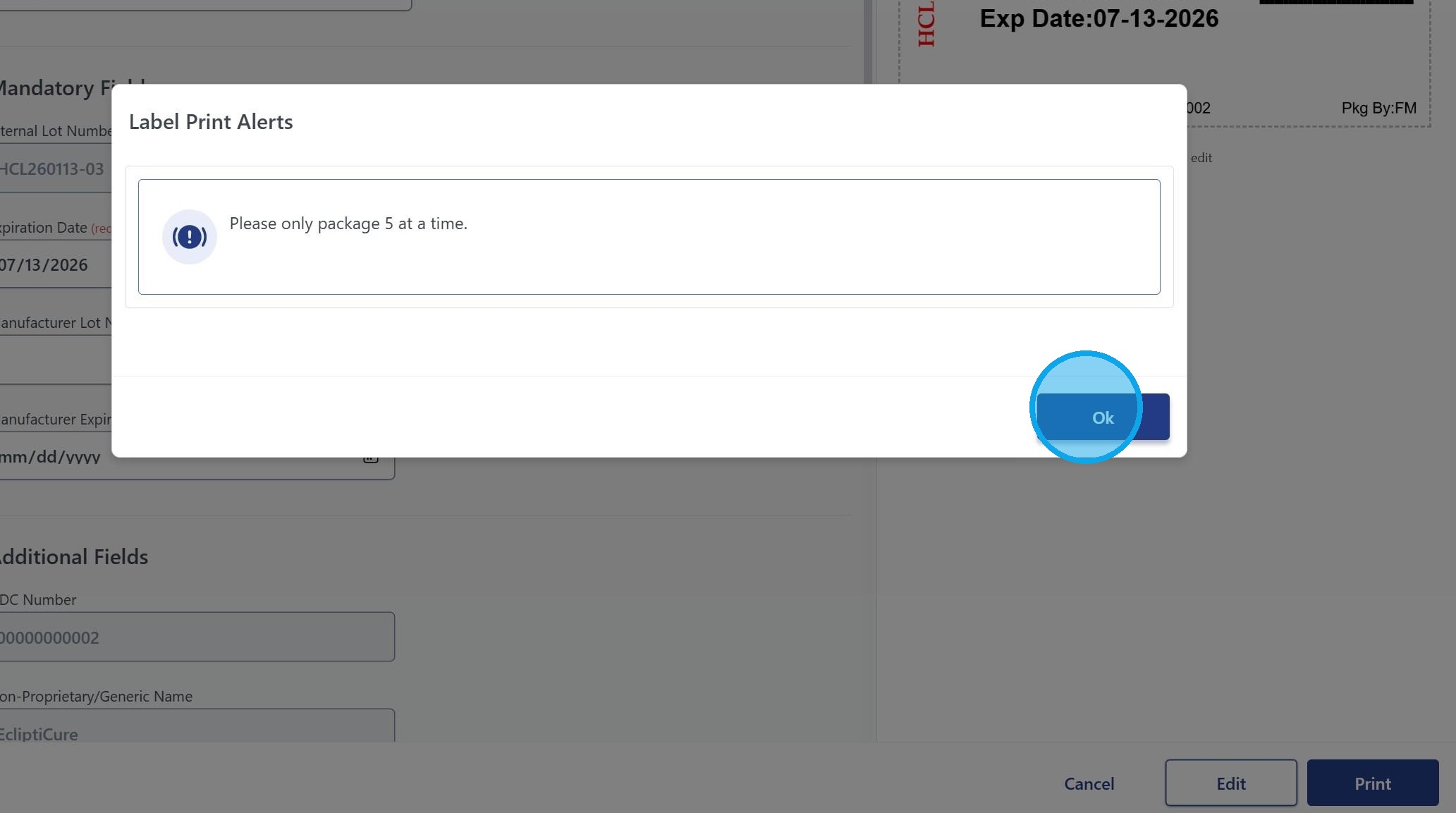
Alerts - Custom Label & Template Alerts

1. Navigate to the Settings gear and Click "Custom Alerts"
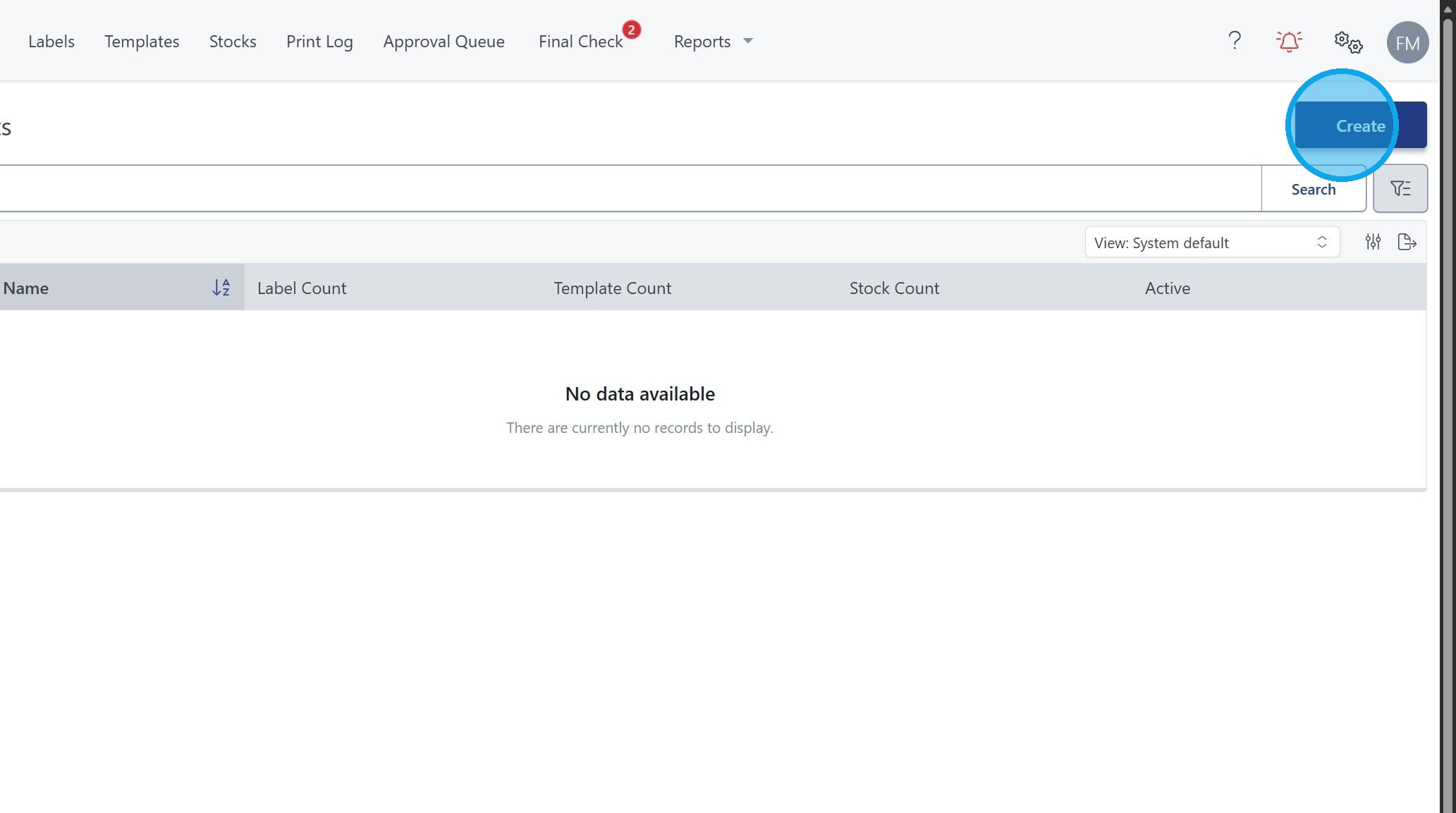
2. Click "Create"
3. Fill in the Name and Message or would like to appear on the alert.


4. Select the existing Label or Template you would like to attach the alert to.

5. Click "Show on print" or any other desired location.
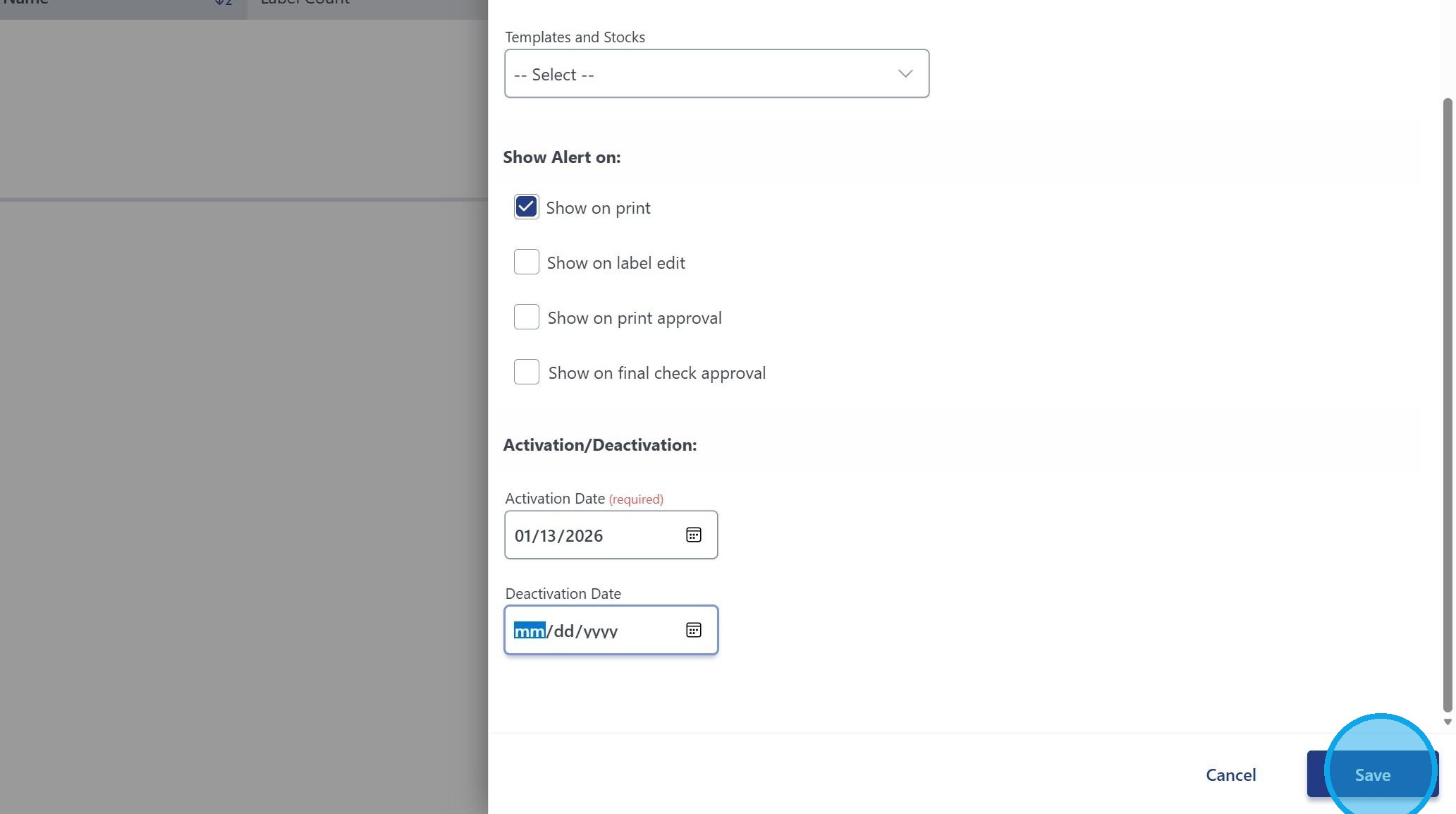
6. You can select an Activation Date as well as make the alert indefinite by leaving the Deactivation Date as the default. Click "Save"
(Please refresh your browser to see the changes appear)
7. Example of an alert tied to a specific label.