📃 Reports - User Audit Reports
This guide shows you how to run User Audit Reports so you can stay on top of any changes made to your organization’s labels and templates. You can filter the data by specific users or timeframes to get exactly what you need, then export the results as a CSV, Excel, or PDF file for easy sharing.

1. Navigate to Reports and select List
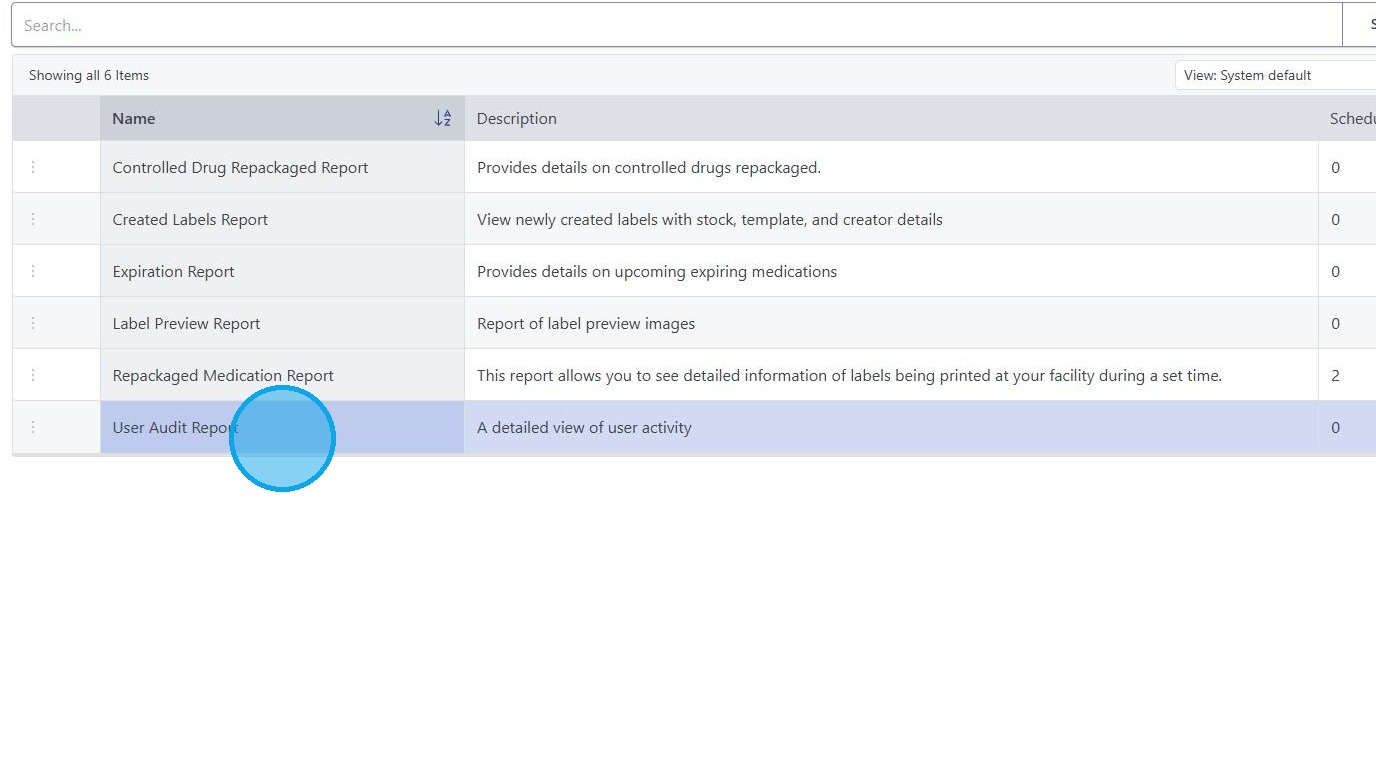
2. Click "User Audit Report"
3. Select desired parameters and or users based on your needs.


These reports can show who modified/created/deleted any Labels or Templates within your organization directly on the website.

You may also click "Export" as well to export to various file types.
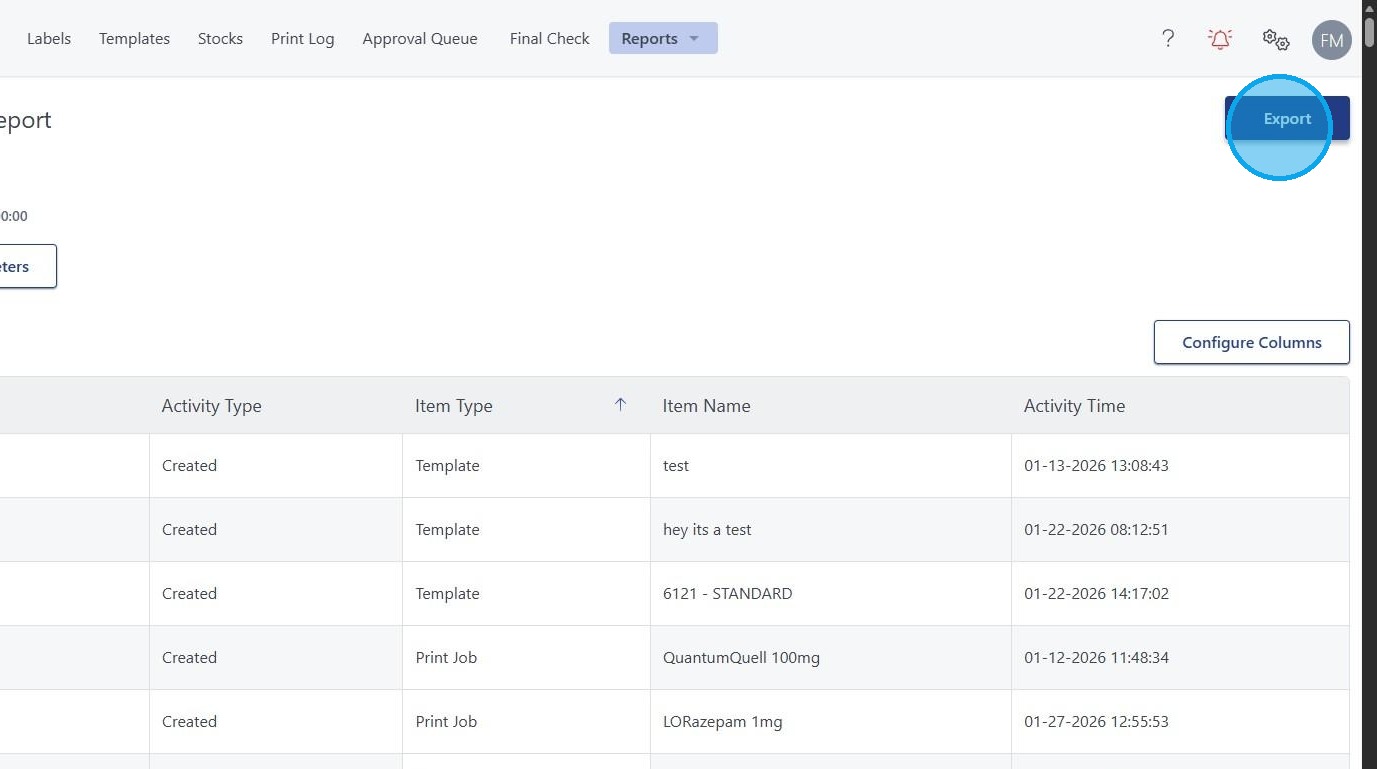
File Types Available: CSV - Excel - PDF